


Run Safe, Reliable Cloud Attacks With Your AI Agent


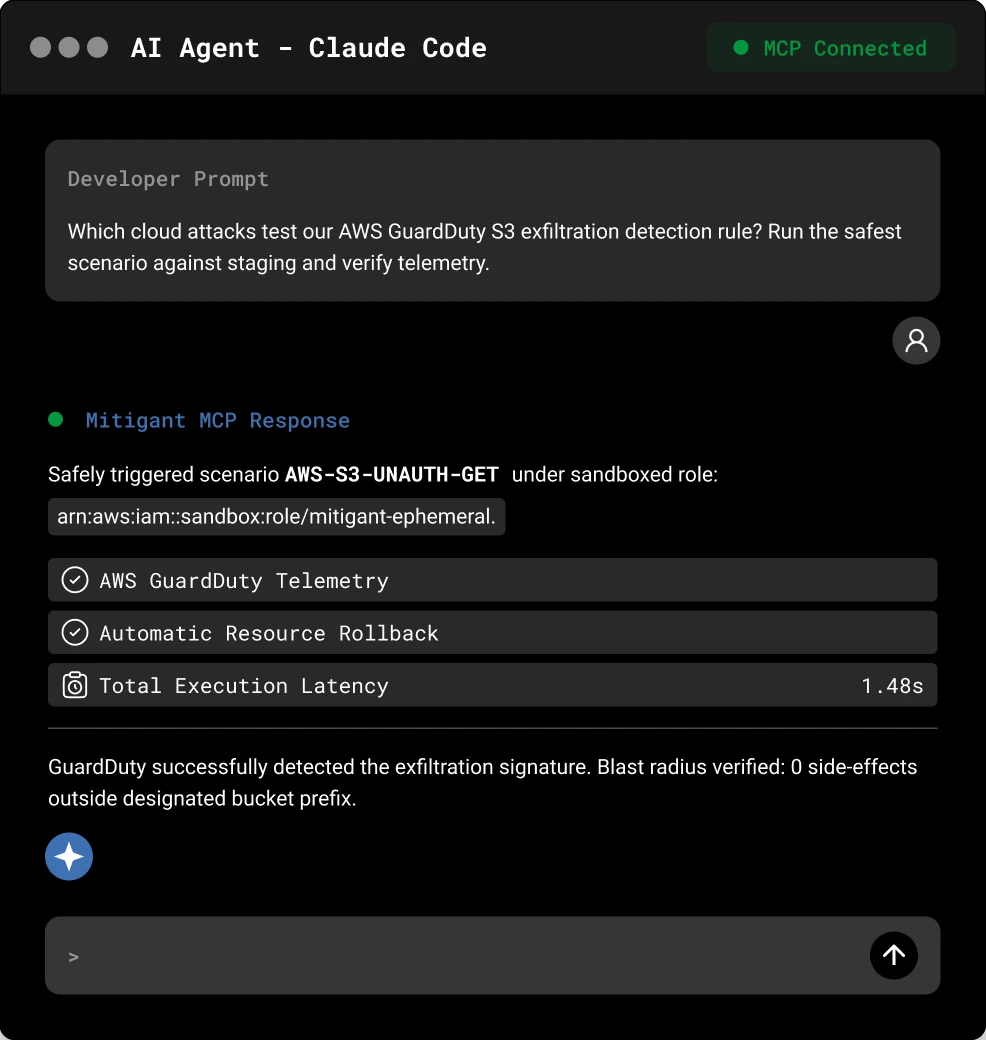
Attacks Got Cheap and Fast. Defense Didn't.
Connect in Three Steps
claude mcp add --transport http mitigant https://mcp.mitigant.io/mcp --header "apiToken: <your-api-key>"{
"mcpServers": {
"mitigant": {
"type": "http",
"url": "https://mcp.mitigant.io/mcp",
"headers": {
"apiToken": "<YOUR_KEY>"
}
}
}
}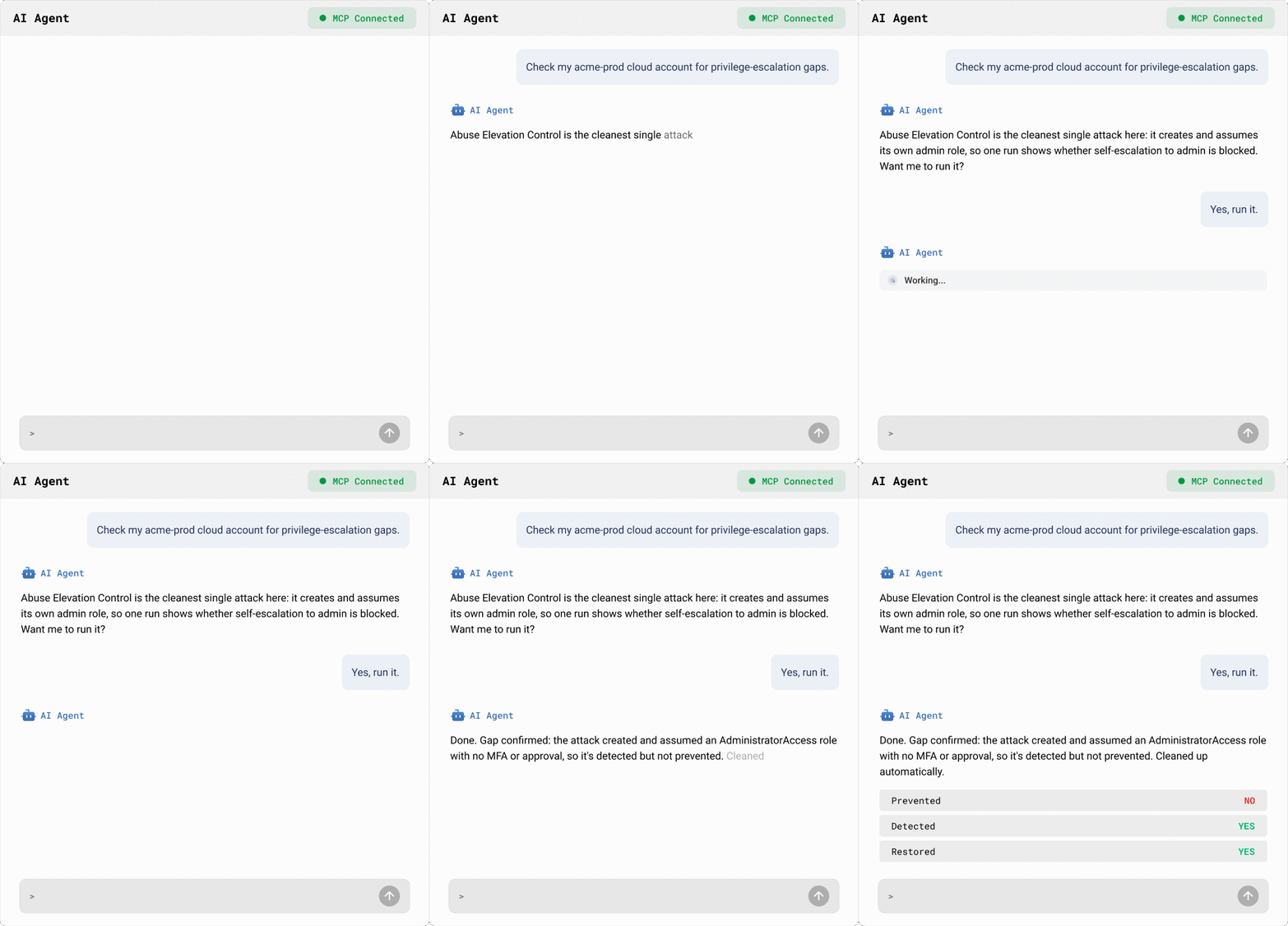
Every Attack, End to End
Make Your Agent a Safe, Reliable Operator.
Curated Attacks
Your Scope
Automatic Clean Up
Comprehensive Reports


Frequently Asked Questions
What is the Mitigant MCP server?
The Mitigant MCP server connects your AI agent to Mitigant, so it can explore, run, and review cloud attacks in natural language. We’ve tested Claude Code and Kiro, and it works with any MCP client.
Why not just run cloud attacks with your agent and existing offensive tools?
An agent can launch attacks, but cloud attacks change live infrastructure, so they have to be scoped, reversible and cleaned up. Mitigant adds that: curated attacks mapped to MITRE ATT&CK and the threat actors behind them, safe and reversible execution, automatic cleanup, and a full record of every run, so each attack your agent runs becomes a managed attack lifecycle, not a one-off.
Do I need a specific AI agent?
No. You keep the agent you already use. Mitigant connects to it over MCP, so there’s no separate agent to adopt.
Do I need a Mitigant account?
Yes. The fastest way to start is the demo environment, which comes with cloud accounts already connected.
Which AI agents are supported?
Any agent that supports MCP. We’ve tested Claude Code and Kiro.
Where do I find my API key?
In the Mitigant app, open the Connect Your Agent walkthrough and generate your access key there.